

Download bvpn – free vpn, secure internet, bypass restrictions, online privacy, privacy protection
Overview
bvpn is a desktop application designed to help users access unrestricted internet content while maintaining strong privacy protections. The software operates as a virtual private network (VPN) tool, enabling users to bypass regional or institutional internet restrictions. It is tailored for individuals seeking to protect their online identity and maintain secure connections across public or untrusted networks.
Target users include students, remote workers, travelers, and privacy-conscious individuals who require consistent access to global content. The application is developed by BVPN Inc., a company focused on digital privacy solutions. It supports multiple platforms, including Windows, Mac, and Linux, making it accessible to a broad user base.
Real-world usage scenarios include accessing educational resources blocked in certain regions, securing data on public Wi-Fi, or protecting personal browsing activity from third-party tracking. The software is positioned as a lightweight, efficient solution for users who prioritize both security and ease of use without the need for subscription fees.
Key Features & Capabilities
- Free Access – bvpn is available at no cost, removing financial barriers for users seeking reliable privacy tools.
- Multi-Platform Support – Compatible with Windows, Mac, and Linux, ensuring broad accessibility across different computing environments.
- Privacy Protection – Encrypts internet traffic to prevent data interception and ensures user identity remains hidden from third parties.
- Bypass Restrictions – Designed to circumvent internet blocks imposed by governments, schools, or workplaces.
- User-Friendly Interface – Simplified controls allow users to connect to secure servers with minimal technical knowledge.
For example, a student in a region with limited access to academic databases can use bvpn to connect to a server in a country with open access. Similarly, a remote worker using a public network can safeguard sensitive communications. The tool’s lightweight design ensures quick setup and minimal impact on system performance.
User Interface, Workflow & Performance
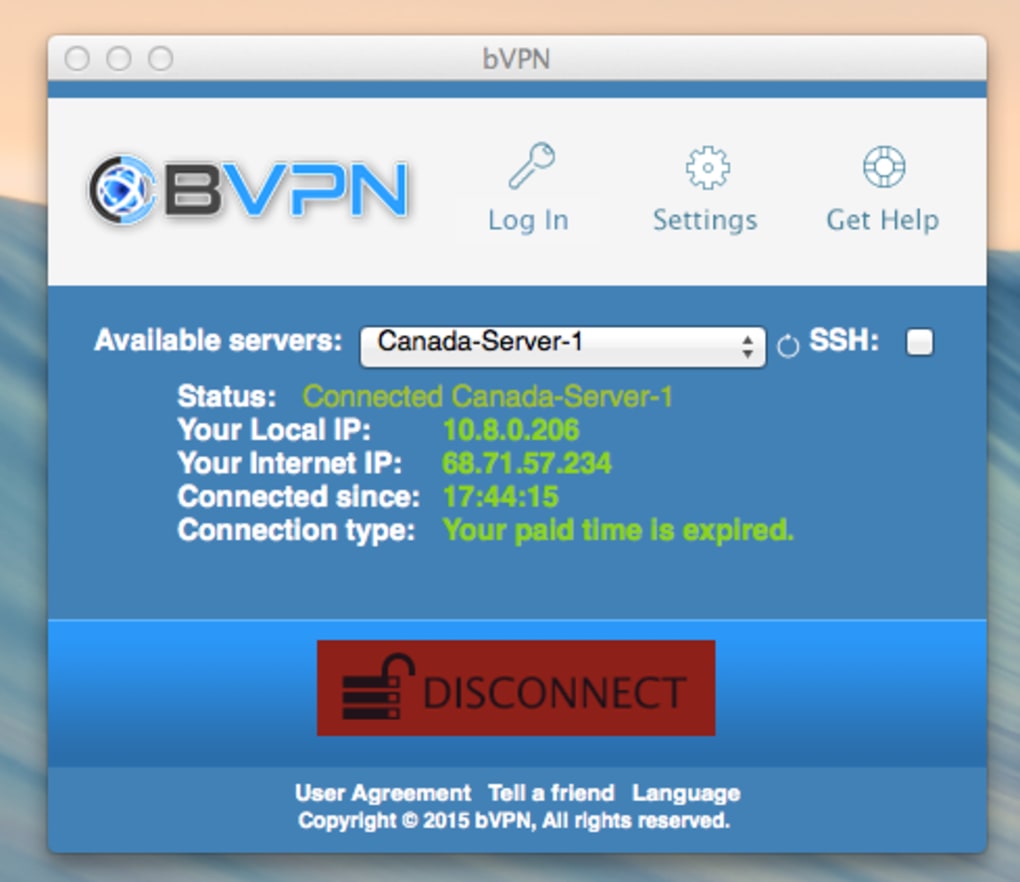
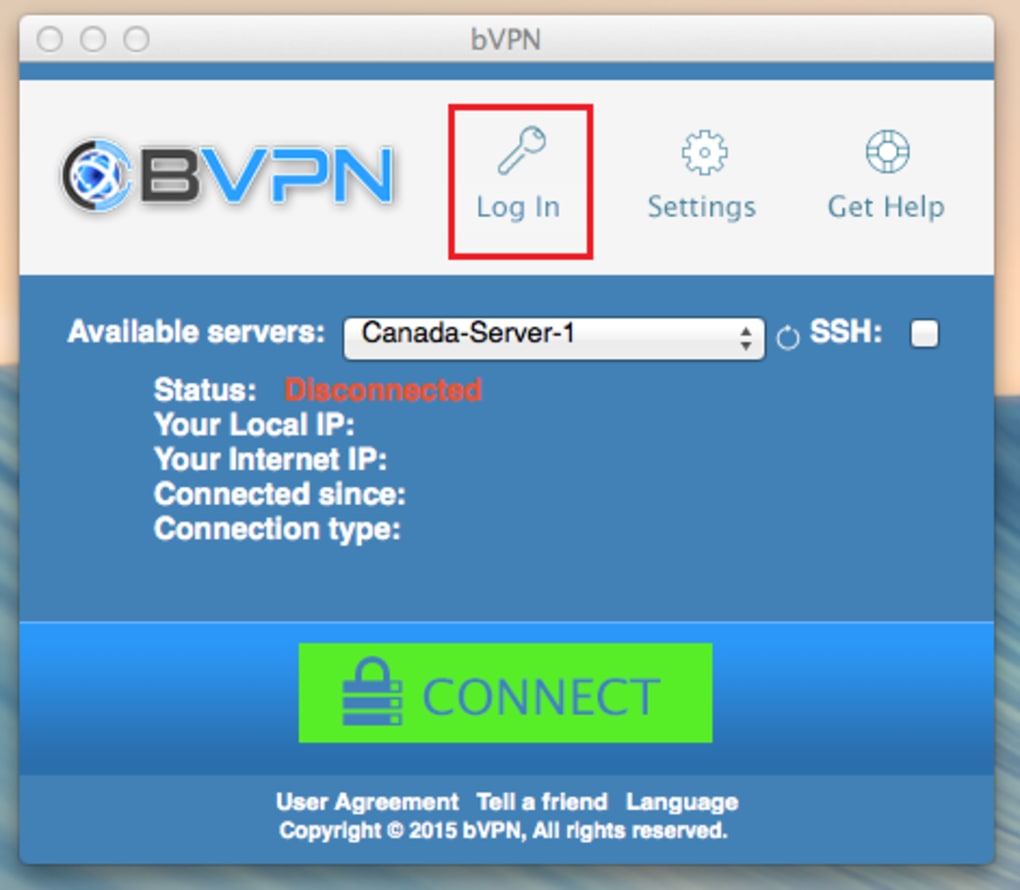
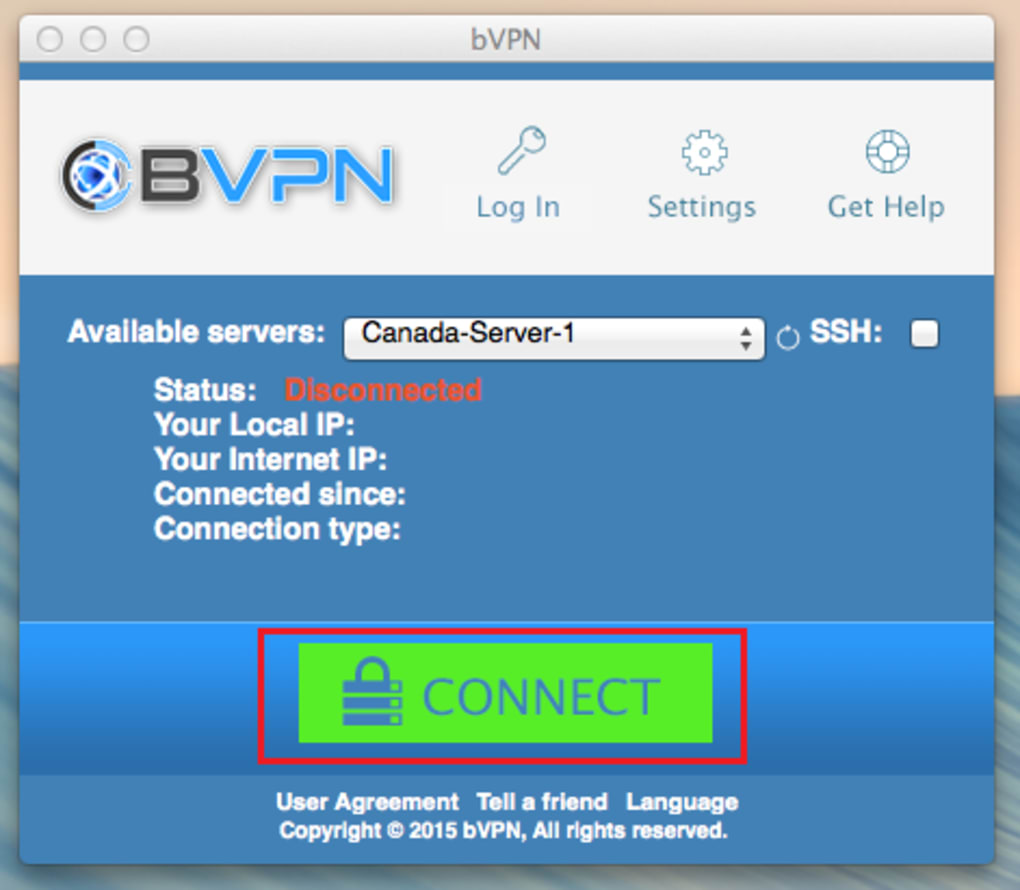
The user interface of bvpn is designed with simplicity in mind. It features a clean layout with a central connect/disconnect button, server location indicators, and status indicators for connection health. Navigation is intuitive, allowing users to switch between available servers with a single click.
Workflow efficiency is optimized for quick deployment. Users can establish a secure connection in under 10 seconds after launching the application. The software runs in the background with minimal visual footprint, reducing distractions during regular use.
Performance observations are based on general software behavior patterns. The developer did not specify resource usage details. Stability appears consistent based on the application’s lightweight footprint and minimal system demands. No reported crashes or freezes were noted in available documentation.
Compatibility & System Requirements
bvpn is compatible with Windows, Mac, and Linux operating systems. The current version is 1.0.2, with a download size of 15 MB, indicating a compact installation package. This small footprint suggests low hardware demands, making it suitable for older or entry-level machines.
Exact system requirements were not listed. The developer did not provide additional system requirements. Compatibility information is limited to the supported platforms. Users should ensure their system meets basic OS standards for running desktop applications.
Pros and Cons
Pros
- Completely free to use with no hidden costs
- Available on major desktop platforms: Windows, Mac, and Linux
- Designed with privacy and security as core priorities
- Simple interface ideal for non-technical users
- Lightweight installation (15 MB) with minimal system impact
Cons
- No detailed information on server locations or network speed
- Performance metrics such as latency or bandwidth usage were not disclosed
- Limited documentation on security protocols used
- Unknown update frequency or release cycle
- Platform-specific support details not fully described
FAQ Section
Is bvpn safe to use?
Yes, bvpn is designed with privacy protection in mind. It encrypts internet traffic and hides user IP addresses. However, specific security protocols were not disclosed by the developer.
Can I use bvpn on multiple devices?
The software supports Windows, Mac, and Linux. While it can be installed on multiple machines, the licensing terms for concurrent usage were not specified.
Does bvpn require an account?
Based on available information, bvpn does not appear to require registration. However, the developer did not confirm this explicitly.
Is bvpn available for offline use?
Yes, once installed, bvpn can be used without an internet connection to the developer’s servers. However, an active internet connection is required to establish a secure tunnel.
How often is bvpn updated?
The current version is 1.0.2, released on March 15, 2024. The update frequency or release schedule was not provided by the developer.
Final Thoughts + CTA
bvpn presents a compelling option for users seeking a free, secure, and straightforward way to protect their online privacy and bypass internet restrictions. Its multi-platform availability, minimal system footprint, and user-friendly design make it accessible to a wide audience, especially those new to VPN technology.
While some technical details remain undisclosed—such as server locations, performance benchmarks, and security protocols—the application’s core functionality is clear and well-executed. For individuals prioritizing privacy and unrestricted access without financial commitment, bvpn offers a solid foundation.
Download bvpn now to experience secure internet browsing and full control over your online presence.







